NiceSleep: Sleep Tracker · Android & iOS
See the patterns behind your nights.
A sleep and nap tracker for Android and iOS, with estimates you can review and context you can add.
No smartwatch requiredSleep stages, scores, and sound events are estimates. NiceSleep does not diagnose or treat sleep disorders.
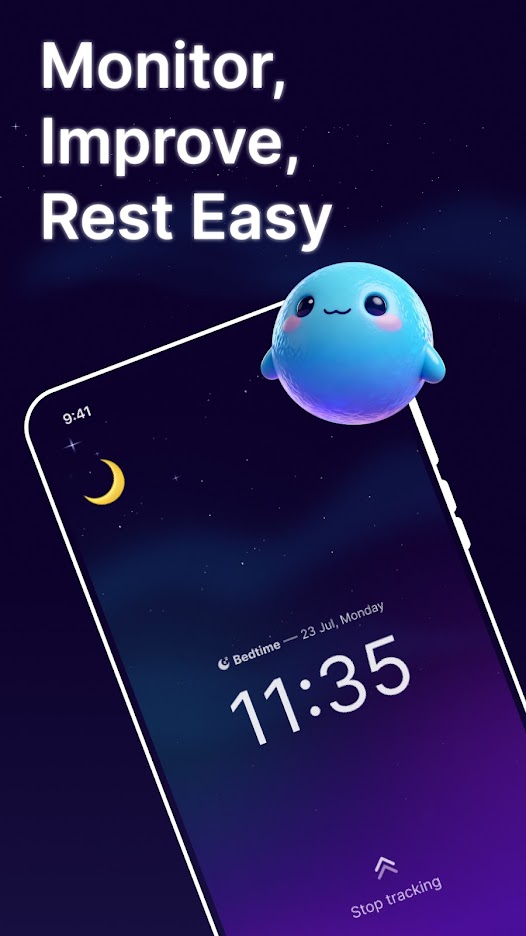
Choose what to save before you sleep
Choose sound saving
On iOS, sound saving is off by default. Turn it on before tracking if you want clips to review. On Android, check the sound-saving option in your installed version.
Start your night
Allow microphone access for sound features, follow the app’s setup guidance and start tracking. Consider anyone else who may be recorded.
Review in the morning
Open the completed report. A detected event is not necessarily a saved audio file. Listen to available clips according to your app’s playback access.
iOS 1.5.15: choose 3 saved recordings per sleep session for full playback; Premium unlocks all. Android: check your installed version; this allowance’s public release is unverified.
Saved recordings: free allowance and Premium
On iOS 1.5.15, every non-Premium user can choose any 3 saved recordings from each sleep session, across all sound categories, and listen to them in full. Replaying a chosen recording does not use another selection. A recording with multiple audio files counts as one selection. Premium unlocks all available saved recordings. Playback, waveform access and audio export follow the same access rules.
Android has the same shared allowance implemented, but its public release has not been verified. Check the access shown in your installed Android app; do not assume the iOS allowance is available there yet.
The website’s calculators remain free and work without downloading the app. App subscription prices, billing periods and any trial or promotion are shown in your store and app; no specific price, trial or discount is promised here.
Microphone permission is needed for sound features. Records and saved clips stay on your device by default; optional cloud backup is a separate choice. Sharing or including eligible recordings in backup can send them off the device.
Find the right NiceSleep app
This website covers NiceSleep: Sleep Tracker: phone-based sleep records, snoring and sleep talking, and saved night-sound clips. Check the developer and store identifier when choosing an app with a similar name.
iOS · App Store
- Listed developer
- Guangzhou Xingfeng Information Technology Co., Ltd
- Store identifier
- 6768932293
Android · Google Play
- Listed developer
- Life365 studio
- Store identifier
- com.astropeak.sleep
Product website support: [email protected]
Sleep & nap records
Start a session at bedtime or before a nap, then review the record afterward.
Estimated sleep stages
Review estimated light, deep, REM, and awake periods as personal trends.
Sound events
With microphone permission, on-device analysis can detect snoring, talking, coughing, and other sounds.
Notes with context
Add details such as caffeine, a late workout, or a different bedtime routine.
Weekly & monthly trends
Look at changes in duration, timing, and estimated sleep quality over time.
Optional health sync
Read or write supported sleep records through Health Connect or Apple Health, with your permission.
Your record. Your choices.
App sleep records and saved sound clips stay on your device by default. Optional backup is off until enabled. Health access and backup depend on platform and permissions.
Common questions
How many saved recordings can I listen to without Premium?
On iOS 1.5.15, every non-Premium user can choose any 3 saved recordings from each sleep session, across all sound categories, and listen to them in full. Replaying a chosen recording does not use another selection. A recording with multiple audio files counts as one selection. Premium unlocks all available saved recordings. Playback, waveform access and audio export follow the same access rules. Android has the same shared allowance implemented, but its public release has not been verified. Check the access shown in your installed Android app; do not assume the iOS allowance is available there yet. The website’s calculators remain free and work without downloading the app. App subscription prices, billing periods and any trial or promotion are shown in your store and app; no specific price, trial or discount is promised here.
Does this use 90-minute sleep cycles?
No. Sleep cycles vary, so a fixed cycle length cannot tell you the precise best time to wake. This calculator works with your chosen sleep duration instead.
Can I track a nap in NiceSleep?
Yes. NiceSleep supports nap records. Start the session in the app and review the completed record afterward.
Does NiceSleep require a smartwatch?
No smartwatch required. Start a session at bedtime or before a nap, then review the record afterward.
Where does NiceSleep store my records?
App sleep records and saved sound clips stay on your device by default. Optional backup is off until enabled. Health access and backup depend on platform and permissions.
Can NiceSleep diagnose a sleep disorder?
Sleep stages, scores, and sound events are estimates. NiceSleep does not diagnose or treat sleep disorders.