NiceSleep: Sleep Tracker · Android & iOS
Record sleep talkingand snoring.
Record sleep talking, snoring and other night sounds with your phone. In the morning, open your NiceSleep report and listen to the clips you chose to save.
iOS 1.5.15: choose 3 saved recordings per sleep session for full playback; Premium unlocks all. Android: check your installed version; this allowance’s public release is unverified.
Verify the app and its developers
How to record sleep talking with your phone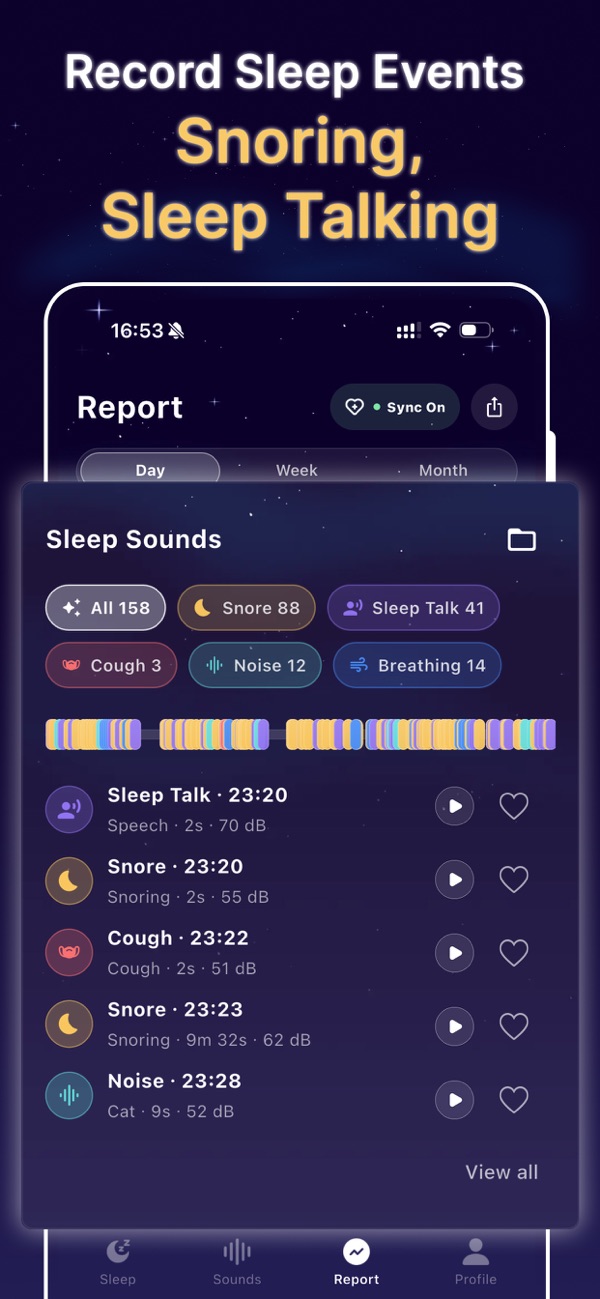
Choose what to save before you sleep
Choose sound saving
On iOS, sound saving is off by default. Turn it on before tracking if you want clips to review. On Android, check the sound-saving option in your installed version.
Start your night
Allow microphone access for sound features, follow the app’s setup guidance and start tracking. Consider anyone else who may be recorded.
Review in the morning
Open the completed report. A detected event is not necessarily a saved audio file. Listen to available clips according to your app’s playback access.
iOS 1.5.15: choose 3 saved recordings per sleep session for full playback; Premium unlocks all. Android: check your installed version; this allowance’s public release is unverified.
Saved recordings: free allowance and Premium
On iOS 1.5.15, every non-Premium user can choose any 3 saved recordings from each sleep session, across all sound categories, and listen to them in full. Replaying a chosen recording does not use another selection. A recording with multiple audio files counts as one selection. Premium unlocks all available saved recordings. Playback, waveform access and audio export follow the same access rules.
Android has the same shared allowance implemented, but its public release has not been verified. Check the access shown in your installed Android app; do not assume the iOS allowance is available there yet.
The website’s calculators remain free and work without downloading the app. App subscription prices, billing periods and any trial or promotion are shown in your store and app; no specific price, trial or discount is promised here.
Start with the sounds you want to understand
Prepare a recording, review the sounds, or find out why an event has no playable clip.
How to record sleep talking with your phone
Prepare a NiceSleep session for sleep talking, choose whether to save sound clips, and review the next morning without confusing detected events with recordings.
Read the guideRecord snoring and other night sounds with NiceSleep
Set up a night-sound record, review snoring events and available clips, and understand privacy, playback access and the limits of sound detection.
Read the guideFind, listen to and manage saved sleep recordings
Find available NiceSleep clips in a completed report, understand missing audio and playback access, and review sharing, local storage and deletion choices.
Read the guideSleep tools
A few minutes to plan a better routine.
Simple tools for everyday questions. Pick a starting point and make it your own.
SLEEP GUIDES
Understand a little more.Rest a little easier.
How much sleep do adults need?
Understand adult sleep-duration guidance, why time in bed differs from time asleep, and how to choose a practical planning target.
Read the guideDaily routinesBuild a sleep schedule around your morning
Work backward from a regular wake-up time, allow time to fall asleep, and adjust a schedule using your actual sleep records.
Read the guideSleep recordsKeep a useful sleep diary
What to record in a sleep diary, how to distinguish estimates from observations, and how notes can help you review patterns.
Read the guide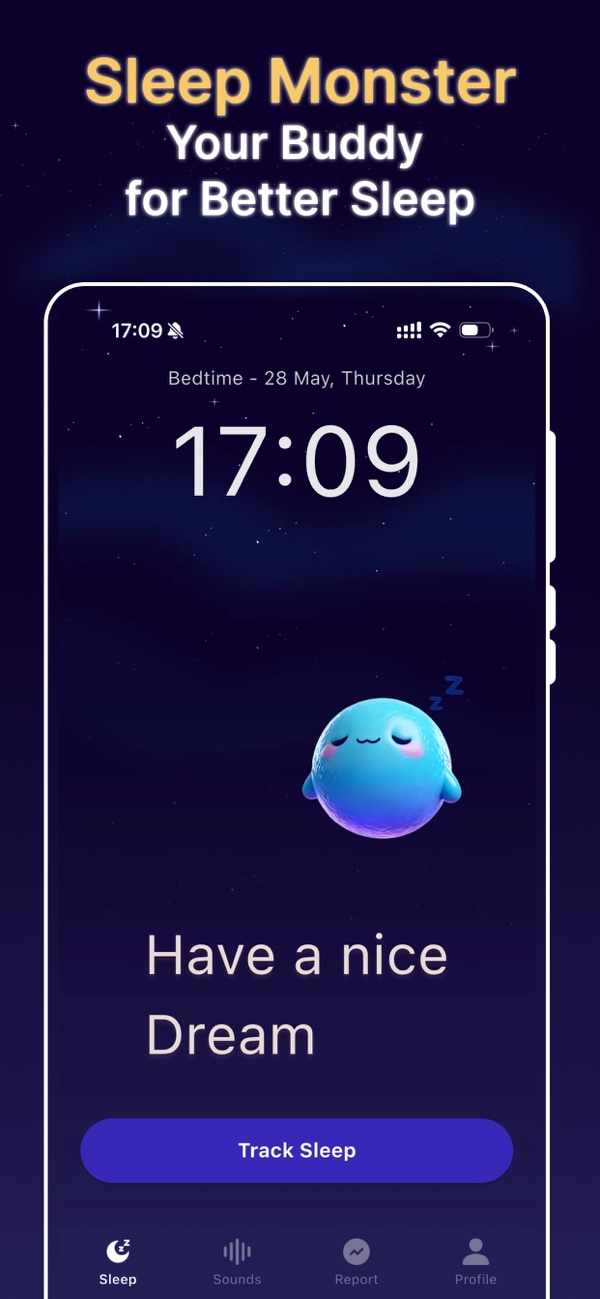
Sleep Monster
A familiar face at bedtime
Sleep Monster brings NiceSleep’s bedtime companion into the routine. This official image shows the current character; sleep records and trends remain the focus.
Track sleep and naps, review estimated stages and sound events, and add the context behind each night. NiceSleep helps you look beyond a single number.
Explore the app